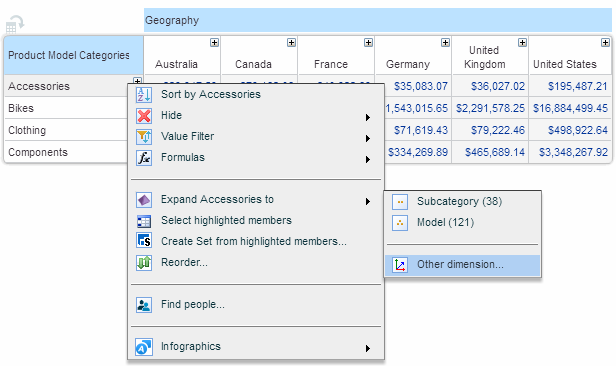
on the Members tab of the ribbon, or from the member menu select Expand member to > Other dimension…
The Other Dimension option in the Expand Member submenu performs two concurrent actions:
· Replaces the dimension with another dimension, showing the members of the new dimension expanded to the selected level.
· Moves the replaced dimension members (one or more) to the Slicers Pane and slices the view by those members.
This is also called drill across.
To perform drill across:
1. Click on the member heading and click Drill Across on the Members tab of the ribbon, or from the member menu select Expand member to > Other dimension…
To slice the view by multiple members, select them using Ctrl-click or Shift-click.
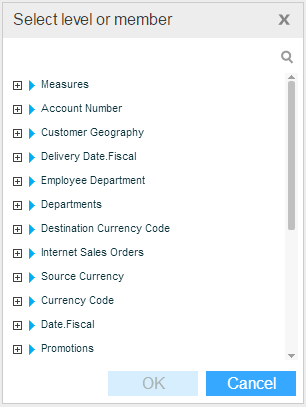
2. In the dialog box that opens, select the level of the dimension by which you want to replace the current dimension. Click OK.